Most businesses don't need AI everywhere. What they need is an AI software development company that can find the few places where AI saves real hours, cuts real costs, or wins real customers, and then build something that works inside their systems rather than beside them.
A good development team turns a loose goal like "we should be using AI" into a defined product: one task, one data source, and one number that shows whether it works. This guide covers 15 AI solutions businesses are building today, how to decide where to start, and what to check before you hire a development partner.
Why Custom AI Development Services Beat Off-the-Shelf Tools
Most businesses are still early in their use of AI. According to the U.S. Census Bureau's Business Trends and Outlook Survey, 19.8% of U.S. businesses reported using AI as of May 2026, and 37% of firms with 250 or more employees did. The Information sector led at 39.7%, followed by Finance and Insurance at 33.9%. The same survey now tracks AI use across 15 business functions, from customer service and marketing to HR and finance.
Put another way, roughly four in five U.S. businesses had not adopted AI, so a company that builds a useful tool now is ahead of most of its market. General-purpose tools help with drafting and search, but they don't know your product catalog, your customer history, or your approval rules. The table below shows where the two approaches differ.
Factor | Off-the-Shelf AI Tools | Custom AI Development Services |
Data access | Public or general knowledge | Your own documents, CRM, ERP, and databases |
Fit with workflows | You adapt to the tool | The tool adapts to your processes |
Security and access control | Vendor defaults | Role-based permissions you define |
Integration | Limited, often manual | Direct links to the systems you already use |
Competitive edge | Same features your competitors have | Built around what makes your business different |
Upfront cost | Low | Higher, with stronger long-term return on focused use cases |
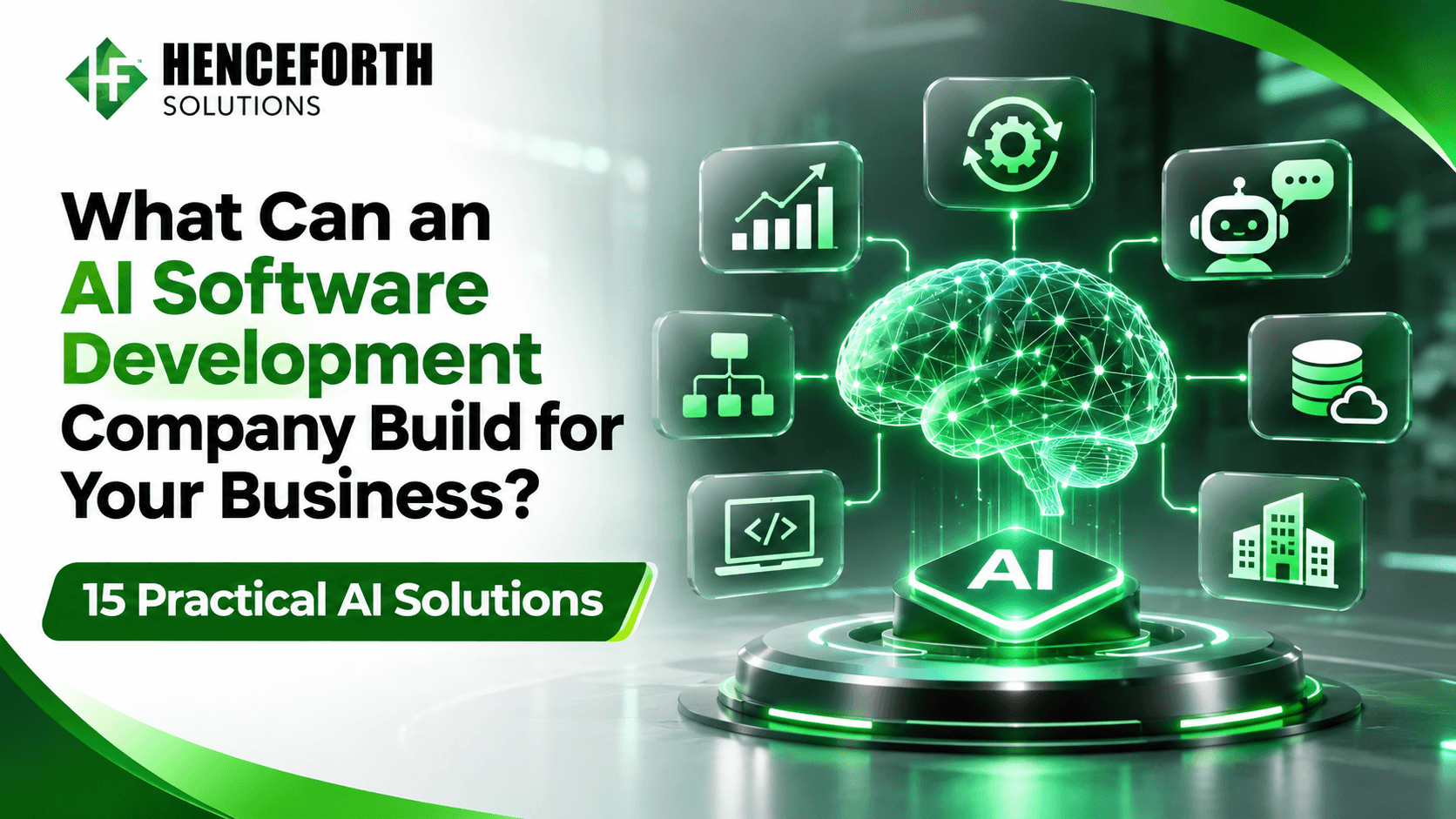
15 Practical AI Solutions an AI Software Development Company Can Build
The AI development use cases below are grouped by the business area they serve. Most can begin as a pilot for one team and expand to others once the results are measured.
Customer Experience
1. Customer Support Chatbots
A chatbot connected to your help articles and order records can answer questions like "Where is my order?" or "How do I reset my password?" at any hour. When a case gets complicated, it passes the conversation to a human agent with the full history attached, so the customer doesn't have to repeat themselves.
Best for: e-commerce, SaaS, healthcare, and telecom
2. Product Recommendation Engines
Every shopper sees products picked from their own browsing and buying history, so they often add more to the basket and return sooner.
Best for: online stores and marketplaces
3. Voice Assistants and Call Automation
A voice assistant answers incoming calls, sends each caller to the right team, confirms or schedules appointments, and logs the caller's name and reason for calling. Customers get through faster, and your staff no longer have to handle the same simple calls over and over.
Best for: clinics, travel, hospitality, and utilities
4. Sentiment and Feedback Analysis
AI can read thousands of reviews, surveys, and support tickets and group them by theme. A sudden rise in complaints about late deliveries or a confusing checkout shows up in days rather than at the end of the quarter.
Best for: retail, consumer brands, and service businesses
Operations and Productivity
5. Internal Knowledge Assistants
Built on retrieval-augmented generation (RAG), these assistants let employees ask plain-language questions and get answers drawn from company policies, manuals, and past project files. Each answer links to its source, and access rules make sure people only see what they are cleared to see.
Best for: mid-size and large organizations
6. Intelligent Document Processing
Think about how many PDFs your accounts team opens in a week. Document AI pulls the vendor name, invoice number, line items, and totals from each file, checks them against the purchase order, and sends anything that doesn't match to a person for review. Clean records go straight into the ERP, so staff who once spent whole days on data entry can focus on the exceptions instead.
Best for: finance, insurance, legal, and logistics
7. Workflow Automation With AI Agents
An AI agent works more like a junior assistant than a chatbot. Ask it to prepare the Monday sales report, and it can pull figures from the CRM, compare them with last week, write a short summary, and email it to the team. You decide which steps it may take on its own. Anything involving money or customer accounts, such as a refund or a contract change, waits for a manager's approval.
Best for: sales, operations, and HR teams
8. Meeting and Email Summarization
Nobody enjoys scrolling through a 40-message email chain to find the one decision that matters. Summarization tools read the thread or call transcript and return a short note covering what was agreed, who owns each task, and what is still open. It is one of the simplest AI tools to roll out, and teams tend to use it every day once they have it.
Best for: any team with a heavy meeting schedule
Sales and Marketing
9. Lead Scoring and Sales Intelligence
Not every inquiry deserves the same attention. A lead scoring model studies the deals you have already won and lost, then looks for the same signals in new leads: company size, pages visited, emails opened, and how quickly they replied. Every lead gets a score, so reps know exactly who to call first each morning.
Best for: B2B companies, real estate, and insurance
10. Generative Content Tools
Writing 500 product descriptions by hand can take a copywriter weeks. A generative tool trained on your style guide and past copy can produce first drafts in an afternoon, leaving your writers to edit, fact-check, and add the details only they know. The tool handles volume, while people keep control of quality and tone.
Best for: marketing teams and e-commerce brands
11. Dynamic Pricing
Airlines and hotels have priced by demand for years, and retailers and delivery platforms can now do the same. A pricing model tracks stock levels, competitor rates, time of day, and recent sales, then suggests or applies new prices. The business sets a floor and a ceiling, so prices never fall below margin or rise high enough to push customers away.
Best for: retail, travel, and food delivery
Data, Risk, and Planning
12. Demand Forecasting and Predictive Analytics
Order too much, and cash sits in a warehouse. Order too little and shelves go empty. Forecasting models combine your sales history with seasonal trends, promotions, and regional patterns to estimate what each store or region will need next week or next quarter. Planners still make the final call, but they start from a much sharper estimate than last year's spreadsheet.
Best for: retail, manufacturing, and distribution
13. Fraud Detection
Fixed rules catch the obvious cases, like one card used in two countries within an hour, but fraudsters learn those rules quickly. Machine learning models build a picture of each customer's normal behavior and flag transactions that break from it in real time. The hard part is tuning the model so it stops fraud without freezing the accounts of honest customers.
Best for: fintech, banking, insurance, and e-commerce
14. Computer Vision for Quality and Safety
An inspector checking parts on a fast production line will eventually miss something. A camera linked to a vision model doesn't get tired. The same technology can read license plates at a warehouse gate, count stock on store shelves, or alert a supervisor when someone enters a work zone without a hard hat.
Best for: manufacturing, retail, and logistics
15. Logistics and Route Optimization
A dispatcher planning 50 delivery stops by hand can't weigh traffic, delivery windows, vehicle capacity, and driver hours all at once. A routing model can and it reworks the plan when a road closes or an urgent order comes in. Fleets usually see the benefit in lower fuel bills, fewer late deliveries, and more stops per driver each day.
Best for: fleets, couriers, and delivery apps
Several of these AI-powered applications can share the same foundation. A support chatbot and an internal knowledge assistant can search the same document library, and a demand forecast can supply the numbers a pricing engine needs. If the first project is designed with that in mind, the second one costs less to build.
How to Pick the Right AI Development Use Case First
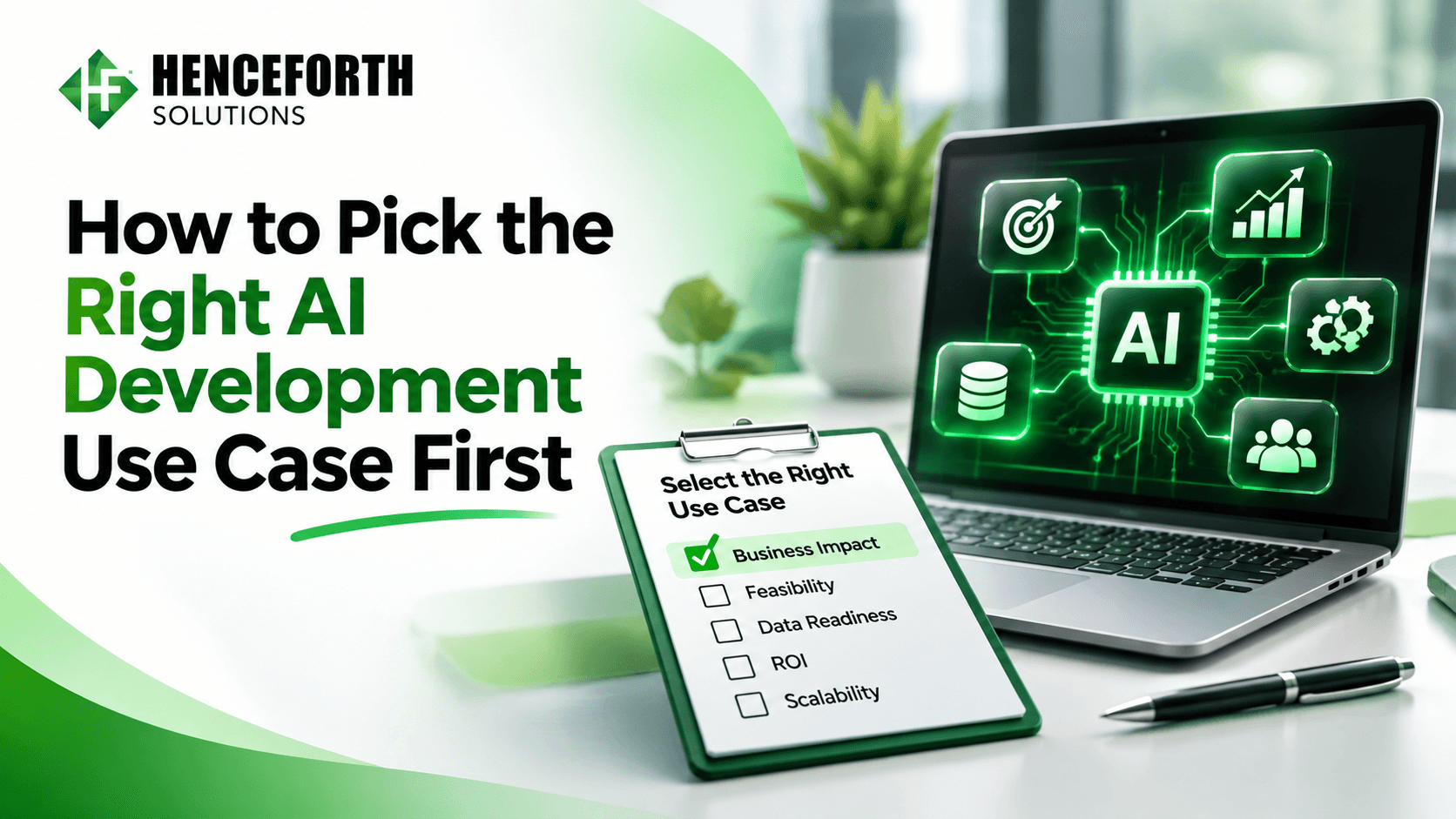
The strongest first projects share three traits: a frequent, repetitive task, data you already collect, and a result you can measure. Before you commit, work through a few questions:
Which task eats the most staff hours each week?
Is the data needed for it clean, accessible, and permitted for this use?
What does success look like in numbers: hours saved, faster response times, fewer errors?
Where must a person stay in the loop before an action is final?
Begin with one team and one task. A chatbot that fully resolves 30% of support tickets starts saving staff hours in its first month, while a company-wide platform can spend a year in testing before anyone uses it.
What to Look for in an AI Software Development Company
A good partner will want to understand your processes before recommending any model or tool. These are the points worth checking:
Discovery before code. They should ask about your workflows, data sources, and goals before proposing any technology.
Integration experience. AI business solutions only deliver when they connect cleanly to your CRM, ERP, payment, and support systems.
Security built in. Role-based access, encryption, audit logs, and clear data-handling terms should be standard, not add-ons.
A recognized risk approach. The NIST AI Risk Management Framework and its Generative AI Profile give a solid, government-backed basis for identifying and managing AI risks across the full lifecycle.
Support after launch. Models, data, and usage patterns shift over time, so ongoing monitoring and tuning should be part of the plan.
Turn One Good Idea Into Working AI Business Solutions
Turn One Good Idea Into a Working AI Solution
The 15 solutions in this guide share one thing: each starts with a specific business problem, not with the technology. Whether it is a support inbox that never empties, invoices keyed in by hand, or forecasts built on guesswork, the right first project is the one that costs your team the most time today. Build it around your own data and systems with custom AI development services, and it will do far more than a generic tool ever could.
You don't need a large budget or a company-wide plan to begin. A short conversation with an experienced AI software development company can tell you what your first project would take to build, how long it would take, and how soon it could start paying for itself.
FAQs
1. What does an AI software development company do?
It finds the tasks AI can handle in your business, like answering repeat customer questions or reading invoices, and builds tools to do them. The team prepares your data, connects the tool to systems such as your CRM or ERP, and keeps improving these AI software solutions for businesses after launch.
2. How long does a custom AI project take?
Timelines depend mostly on the state of your data and the number of systems involved. A chatbot that answers questions from an existing help center can often launch in about two months. A project that needs data cleanup and connections to several internal systems can take four to six months or longer.
3. Should I build custom AI or use a ready-made product?
Not necessarily. If you only need help writing emails or summarizing reports, a ready-made tool on a monthly plan will usually do the job. Custom AI development services start to make sense when the AI has to work from your own data, follow your pricing or approval rules, or run inside software your team already uses every day.
4. How do you protect business data in AI applications?
The AI should only show what the person asking is already allowed to see in the source system. If an employee can't open a record in the CRM, they shouldn't be able to pull it up by asking a chatbot. Data should also be encrypted when stored and when sent, every request should be logged, and you should find out whether an outside model provider keeps your data or trains on it.
5. Where should a company begin with AI?
Pick a task that comes up many times a day, depends on data you already have, and can be measured with a simple number. For many businesses, that means customer support, processing invoices or forms, or searching through internal policies and manuals.