An enterprise AI architecture has to do more than give the right answer. It has to find the right data in different parts of the business, work with the tools employees already use, and follow company rules, without disrupting everyday work. If those links are missing, even a strong AI model won’t be much help.
An enterprise AI system shows how these parts fit together, from data sources and AI models to applications, infrastructure and security. When the structure is planned well, companies can build AI systems that are easier to manage, simpler to improve, and ready to grow with the business.
This guide breaks down the core components, the most widely used architecture patterns, and the practical design decisions behind successful enterprise AI systems.
What Is Enterprise AI Architecture?
Enterprise AI architecture also decides how employees use AI features, how business data reaches the model, how answers are checked for accuracy, and how the AI system connects with other enterprise applications.
Take an AI-powered employee assistant as an example. In an enterprise AI architecture, one simple question from an employee can set off several steps:
Looking through internal documents and knowledge bases to find what’s relevant.
Confirming the employee is allowed to see that information.
Passing only the approved content to the language model.
Responding with an answer that points back to the original documents.
Recording the request and response for monitoring and audits.
Each of these steps is handled by a different layer of the architecture. When the layers are planned separately, problems follow quickly. The assistant may give wrong answers, show data the employee shouldn’t see, or stop working once it’s linked to live business systems.
Core Components of Enterprise AI Architecture
A typical enterprise AI system is built from several interconnected layers. How they're arranged depends on the application, the data environment, security requirements, and the expected workload.
Data Sources and Data Management
An AI application is only as good as the data it can reach. In most enterprises, that data sits across CRMs, ERPs, databases, documents, and cloud storage. The data layer brings it together and controls how it’s collected, updated and shared. Primary features include:
Data pipelines: Move data between business systems and AI applications.
Data warehouses and databases store structured business data.
Document storage: Holds PDFs, reports, manuals, and other files.
Data preparation: Cleans and standardises data for use.
Access permissions: Limit what each user can see based on their role.
Access rules in the AI layer should mirror those of the source systems. The fact that an AI application can retrieve a record is no reason for it to reveal that record.
AI Models and Inference Layer
The model layer carries out the core AI tasks: generating text, classifying information, recognising images, making predictions, and interpreting user requests.
Depending on the use case, an enterprise may rely on:
Large language models (LLMs) for text-based tasks.
Machine learning models for forecasting and classification.
Computer vision models for image and video analysis.
Speech models for voice recognition and processing.
Custom or fine-tuned models for specialised requirements.
The inference layer manages how applications send requests to these models and receive their outputs. Model choice should be driven by accuracy, latency, deployment options, data requirements, and usage costs, not by which model happens to be the most talked about.
Application and Orchestration Layer
This layer links AI capabilities to the applications users actually work in. It manages incoming requests, task distribution, workflow status, and service coordination.
Let's assume that one of the employees asks an AI assistant to create a sales report. For multi-step tasks, it can also coordinate several models or agents at once. Microsoft's AI workload architecture guidance outlines how client applications, orchestration, knowledge services, model inference, and tools operate together.
Knowledge and Retrieval Layer
Enterprise applications frequently need to answer questions using company information that a general-purpose model has no knowledge of. The knowledge layer bridges that gap.
The most common method is Retrieval-Augmented Generation (RAG). It helps find the necessary content in the designated data sources and feeds it to the model as context prior to answering.
This layer may include:
Document processing and text extraction.
Embedding models.
Vector databases or search indexes.
Retrieval and ranking systems.
Source references and permission checks.
RAG is well suited to internal knowledge assistants, policy search, technical documentation, and customer support applications. Microsoft's RAG solution design guide covers the main design and evaluation considerations.
Integration and API Layer
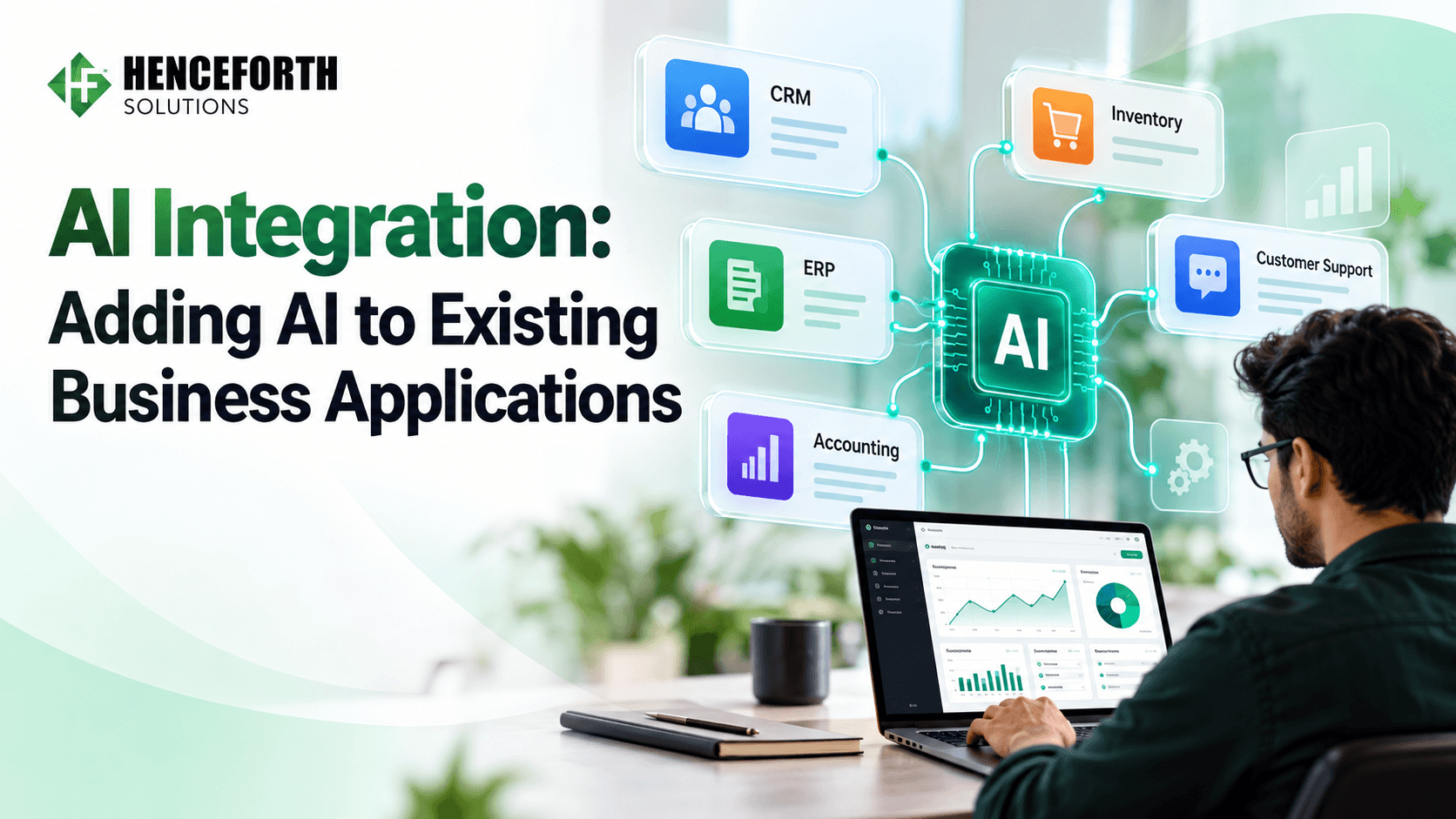
Enterprise AI seldom operates in isolation. It usually needs data from existing applications or has to carry out actions within them.
The integration layer provides secure, controlled connections to:
CRM and ERP platforms.
Payment and billing systems.
Customer support software.
HR and document management systems.
Internal databases and third-party APIs.
Everything needs to be secured through authentication and input validation.
Security, Governance, and Monitoring
Both security and governance need to be part of all the layers in the architecture design. This will include user authentication, role-based access, encryption, audit logs, model monitoring, and the output from the AI.
This covers user authentication, role‑based access, encryption, data protection, audit logs, model monitoring and checks on AI‑generated output.
Ongoing monitoring helps teams catch responses, failed integrations, unusual usage, and drops in model accuracy early. The NIST AI Risk Management Framework offers guidance on managing AI risks across the full lifecycle.
Common Enterprise AI Architecture Patterns
No one architecture fits every enterprise application. The right pattern depends on the nature of the AI task, the data available, the complexity of the system, and the level of control required.
1. Retrieval-Augmented Generation (RAG) Architecture
RAG connects a language model to an external knowledge source. Instead of depending solely on what it learned in training, the model works with content retrieved from company documents or databases.
A typical RAG workflow runs as follows:
A user submits a question.
The retrieval system searches approved information sources.
The most relevant documents or data are selected.
The model receives that content as context.
The application returns an answer grounded in that information.
Such architecture will be beneficial in cases where AI needs to process data that is constantly changing, for example, corporate policies, product documentation, and knowledge bases within an organization.
2. Model Gateway & Routing Architecture
The model gateway lies between the application and one or more AI models. The model gateway will route requests to the individual models and enforce general-purpose controls such as authentication, rate limiting, monitoring, and logging.
It will suit organizations that utilize multiple models or need the ability to switch providers without needing to modify the application.
A gateway may also support:
Model selection and request routing.
API authentication and rate limits.
Usage tracking and cost controls.
Fallback options when a model is unavailable.
Centralised request logging.
This approach works well for organisations that use multiple models or want the flexibility to change providers without rebuilding the application.
3. AI Agent and Workflow Architecture
Some business tasks go beyond producing a response. They require gathering information, evaluating conditions, calling external tools, and completing a sequence of steps. An agent-based architecture lets an AI application select the tools and perform specific tasks only within approved limits.
For instance, a sales representative may view potential leads, access customer data, and update the CRM. Tasks that require data as inputs, such as approvals of discounts or modifications of accounts, can be programmed to require manual intervention before being executed.
The method works excellently in procedures involving several steps, but it needs proper permissions, restrictions, error handling, and continuous monitoring.
4. Hybrid and Multi-Environment Architecture
Not every enterprise can move its data and workloads into the cloud. Many must keep records on private infrastructure while using managed cloud services for other AI workloads.
A hybrid architecture combines on-premises infrastructure, private cloud, and public cloud services. It allows businesses to figure out which environment would be best suited to host the workloads, taking into account data location, security, performance, and operations.
This is an excellent option for companies with legacy systems, sensitive data, or immobile infrastructure.
Enterprise AI Architecture in AI Software Development: Best Practices

Architecture decisions have a lasting impact across the development lifecycle. They determine how easily a system can be tested, maintained, secured, and scaled. The practices below apply to any AI Software Development project.
Start With a Defined Business Use Case
Before picking a model or framework, get clear on what the application is meant to do. A customer service assistant, a forecasting tool, and an automated document processing system each come with very different technical requirements, so the purpose has to be settled before the build begins.
Start by working out who will use the system, where its data will come from, how the workflow will run, and how success will be measured. Once these details are in place, design the architecture around them. This keeps unnecessary components out of the project and prevents development time and maintenance costs from rising.
Choose Models Based on the Task
A larger model isn't automatically the better choice. Some problems require advanced reasoning capabilities, but others can be solved equally well with small models or simple logic in software programs.
Test your current models on the following dimensions:
Accuracy for the problem at hand.
Latency and predicted load.
Costs of using an API or hosting.
Options for data management and deployment.
Compatibility with necessary input/output formats.
Run your models in a realistic business scenario before choosing any one of them.
Test your shortlisted models against real business scenarios before committing to one.
Keep AI Components Modular
It is not wise to link each feature to a single model or service. In every situation, make sure to keep your models, databases, business logic, and interfaces separate from one another.
By using the design approach, you can update a specific model, switch to a new database or add new integration features without causing problems in other parts of the system.
Protect Business Data at Every Layer
Enterprise applications regularly handle customer details, financial records, employee information, and confidential documents. What each person can access should always depend on who they are and the permissions they hold.
Apply encryption, secure authentication, role-based access, and appropriate data retention policies. Before connecting any external AI provider to your business systems, review how it processes and stores the data you send.
Test Outputs and Real-World Workflows
A model that performs well in a demo offers no guarantee that the full application will hold up in production.
Test the system with realistic inputs, incomplete data, unusual requests, and failed integrations. For RAG-based applications, confirm that the retrieved sources genuinely support the answers generated. For AI agents, verify that they stay within their permissions and pause whenever a task requires human approval.
Monitor Performance After Deployment
AI applications need data, usage patterns, models, and connected services, all of which change over time, which is why regular monitoring matters. Keep track of response quality, task completion, latency, error rates, usage costs, and integration failures.
Record every model version and deployment change, so teams can trace the cause of an issue and roll back quickly if something goes wrong.
The AWS Well-Architected Generative AI Lens provides further guidance on security, reliability, performance, cost optimisation and operational management.
How to Plan and Implement an Enterprise AI Architecture
Enterprise AI architecture projects are far easier to manage when the work is split into clear stages. Each stage should resolve a specific technical or business question before the next one begins.
Assess Existing Systems & Requirements
Go ahead by reviewing the software, databases, infrastructure, and workflows the AI application will rely on. Find out where your data is stored, which systems will have to be integrated, and whether your current infrastructure can handle the expected workload.
Decide the Architecture & Technology Stack
Pick the model, data storage, APIs, orchestration framework, and deployment environment that suit the project’s requirements best. Decide whether the application calls for RAG, model routing, AI agents, or a combination of these patterns.
Develop and Integrate the Components
Create the application layer. Connect data sources that have been approved. Set up access to the models. Make sure all the required workflows are in place. Keep business rules separate from decisions made by the model. Wherever possible, maintain this separation.
Test Security, Accuracy, and Performance
Run functional tests. Run security tests before moving to production. Check how the system handles inputs. Assess how the system responds to invalid inputs, unavailable services, access restrictions, and unexpected model behaviour.
Deploy, Monitor, and Maintain
Launch the application in a controlled environment and observe how it performs under real-world use. Review costs, keep dependencies current, resolve integration issues, and refine the architecture as requirements change.
Build an Enterprise AI Architecture That Fits Your Business
An effective enterprise AI architecture looks well beyond the technology behind the application. Data access, existing software, user permissions, model behaviour, and long-term maintenance all play a part in how well the system performs.
A clear architecture also makes it easier to judge which AI capabilities belong in your product and which tasks are better served by conventional software.
At Henceforth Solutions, we develop custom AI software, generative AI applications, AI agents, chatbots, and business automation solutions. Our team can support you through the architecture, development, and integration of your next AI project.
Planning an enterprise AI application? Talk to our team about your requirements and explore the right development approach.