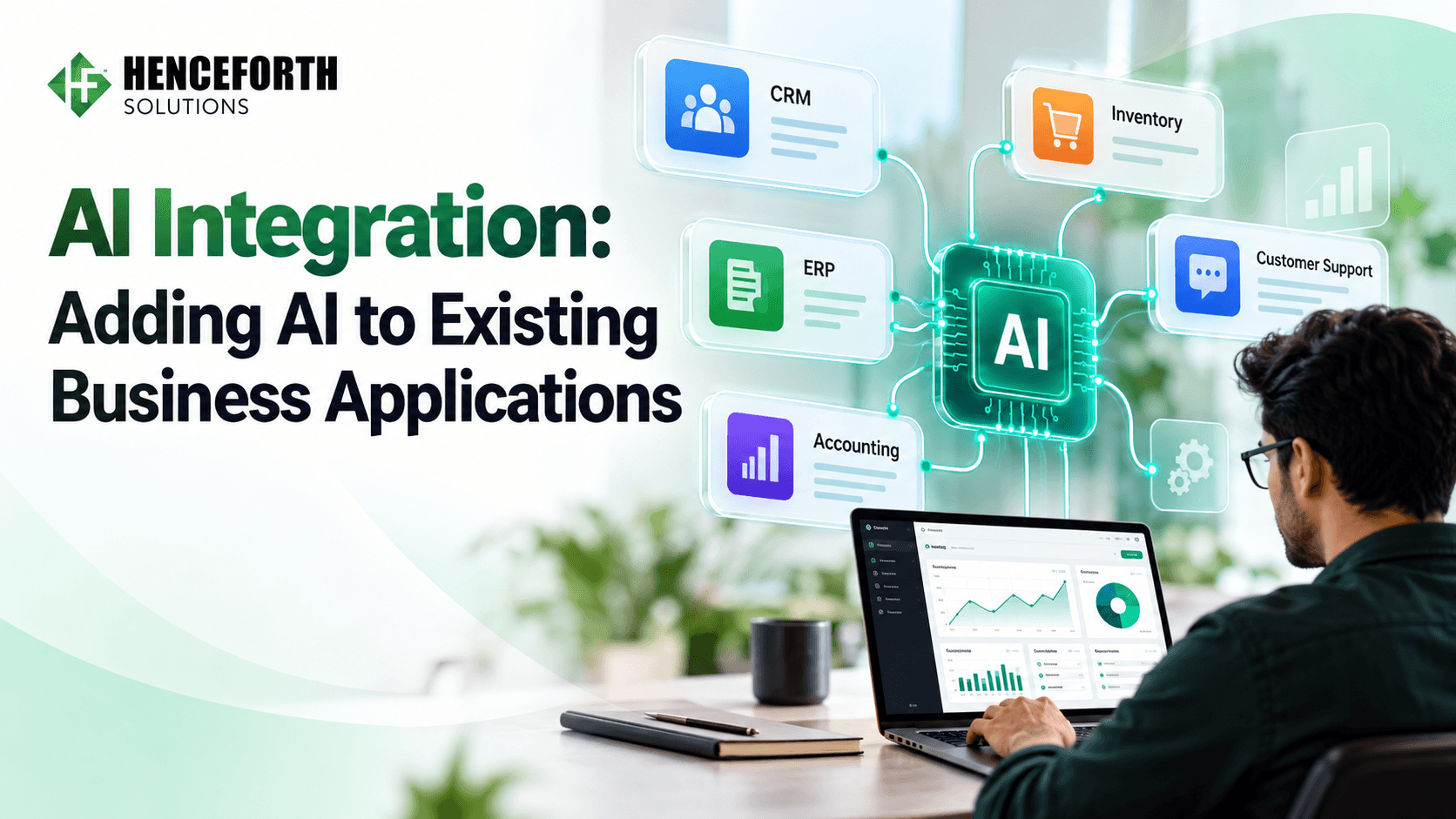
Artificial intelligence is transforming how businesses operate, manage data, and interact with customers. From automating repetitive tasks to improving decisions, AI integration helps organizations make their software smarter and more efficient.
However, adopting AI does not always mean replacing current applications or building new software from scratch.
Many businesses already use Customer Relationship Management (CRM) systems, Enterprise Resource Planning (ERP) platforms, accounting software, and inventory management applications. While these systems support daily operations, they may lack advanced automation, predictive analytics, and intelligent features.
By integrating AI into existing applications, businesses can improve functionality, reduce manual work, and enhance customer experiences without replacing their entire technology infrastructure.
With professional AI integration services, organizations can introduce intelligent capabilities while maximizing their existing software investments.
This guide explains how to add AI to existing business applications, its benefits, integration methods, challenges, and implementation strategies.
What Is AI Integration in Business Applications?
AI integration involves adding artificial intelligence capabilities to existing software applications, platforms, and business workflows.
Rather than developing completely new applications, enterprises can strengthen their current systems using AI-powered technologies.
For example, a CRM system that stores customer data can use AI to analyze interactions. It can spot sales opportunities, summarize talks, and recommend next steps.
Similarly, inventory management software can use machine learning to forecast product demand based on historical sales information.
Common AI Technologies Used in Business Software
Machine Learning (ML): Analyzes data, identifies patterns, and generates predictions.
Natural Language Processing (NLP): Helps applications understand and process human language.
Generative AI: Produces text, reports, summaries, and other content.
Computer Vision: Analyzes images and videos for recognition and classification.
Intelligent Automation: Combines AI with automated business workflows.
Businesses can explore AI development services to implement suitable technologies within their existing applications.
Why Should Businesses Integrate AI Into Existing Applications?
Traditional business applications store and organize valuable information, but they may not always provide intelligent insights or automate complex activities.
AI software integration helps organizations improve efficiency while extending the capabilities of their existing technology.
1. Reduce Manual Tasks
Employees spend considerable time entering data, organizing documents, reviewing reports, and responding to routine requests.
AI-powered automation can extract invoice information, categorize support tickets, generate summaries, and route customer inquiries.
This reduces repetitive work and allows employees to focus on more valuable responsibilities.
2. Improve Decision-Making
AI-powered analytics analyzes historical and operational data to identify trends and support business decisions.
For example, retailers can predict product demand, while service providers can analyze customer behavior to identify potential churn.
These insights support better planning, although AI predictions still require human review.
3. Enhance Customer Experience
Customers expect quick responses, personalized interactions, and reliable support.
Integrating AI into existing customer service software enables intelligent chatbots, automated query classification, and personalized assistance.
Businesses can use AI chatbot development to introduce conversational capabilities into existing applications.
4. Maximize Existing Technology Investments
Replacing enterprise applications can be expensive and disruptive.
AI integration allows organizations to introduce intelligent features while maintaining familiar systems and workflows.
When existing architecture and security controls support integration, businesses can avoid unnecessary software replacement.
How to Add AI to Existing Business Applications: Step-by-Step Guide
Successful AI integration into existing software requires careful planning, technical assessment, and ongoing monitoring.
Step 1: Identify Business Problems
Start by identifying processes that could benefit from artificial intelligence.
Common opportunities include:
Repetitive administrative tasks
Customer support delays
Manual data entry
Sales forecasting
Reporting and analytics
Inventory planning
For example, a support team that handles repeated questions could use an AI assistant linked to an approved knowledge base.
Define measurable goals, such as reducing response times, improving accuracy, or lowering operational costs.
The objective should be solving real business problems rather than implementing AI without a clear purpose.
Step 2: Evaluate Existing Software Architecture
Before integrating AI, understand how your current applications operate and communicate with external services.
Review your software architecture, APIs, databases, hosting environment, and security controls.
Important questions include:
Does the application support REST or GraphQL APIs?
Can it communicate securely with external systems?
Is it hosted on-premises, in the cloud, or in a hybrid environment?
Can the infrastructure support additional processing?
Are there restrictions on sensitive data?
Modern applications with modular architectures are generally easier to extend. However, legacy software can also support AI through middleware and dedicated integration layers.
Step 3: Prepare Business Data
Data quality is essential for reliable AI integration.
Incomplete information, duplicate records, and inconsistent formats can reduce the accuracy of AI-generated results.
Before implementation:
Identify relevant business data.
Remove duplicate or outdated records.
Standardize data formats.
Establish access permissions.
Protect confidential information.
Define data governance policies.
Businesses implementing AI assistants may also use Retrieval-Augmented Generation (RAG) to retrieve relevant information from approved company documents before generating responses.
This can improve the relevance of AI outputs, but accuracy and security still require evaluation.
Step 4: Select the Right AI Integration Method
Different integration approaches suit different business requirements.
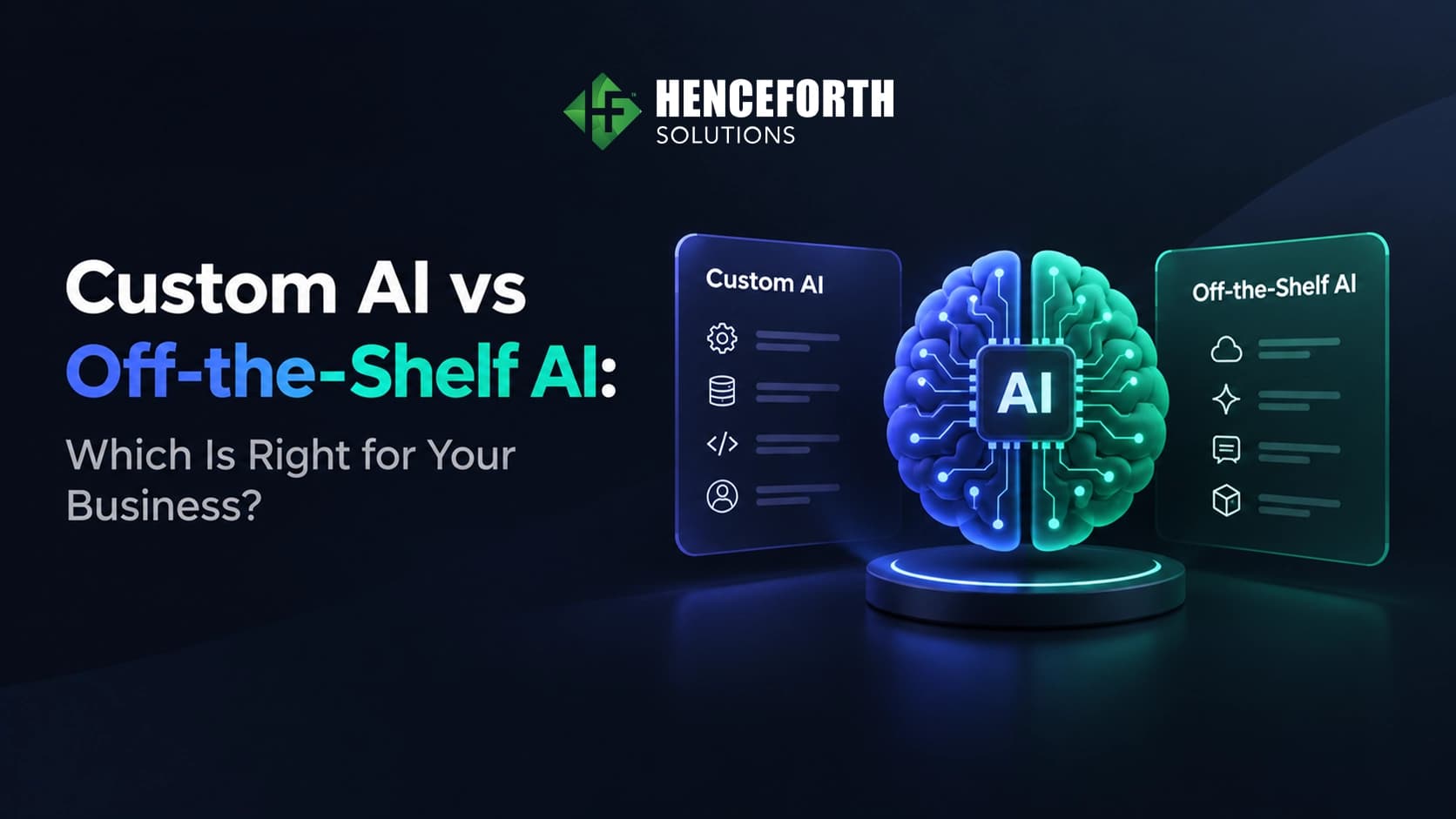
AI API integration connects existing applications with externally hosted AI services.
Businesses can use APIs for document summarization, automated communication, content classification, and intelligent search.
This approach can reduce development complexity because companies do not need to build every AI model themselves.
Organizations with specialized requirements may develop customized machine learning models.
These models can support industry-specific predictions, classification, and operational analysis.
However, custom development typically requires additional resources and maintenance.
Middleware connects existing applications with AI services without requiring extensive modifications to core software.
It manages communication, data transfer, and integration workflows.
Businesses can add AI functionality directly to existing interfaces, including intelligent search, predictive dashboards, and automated recommendations.
Step 5: Build a Proof of Concept
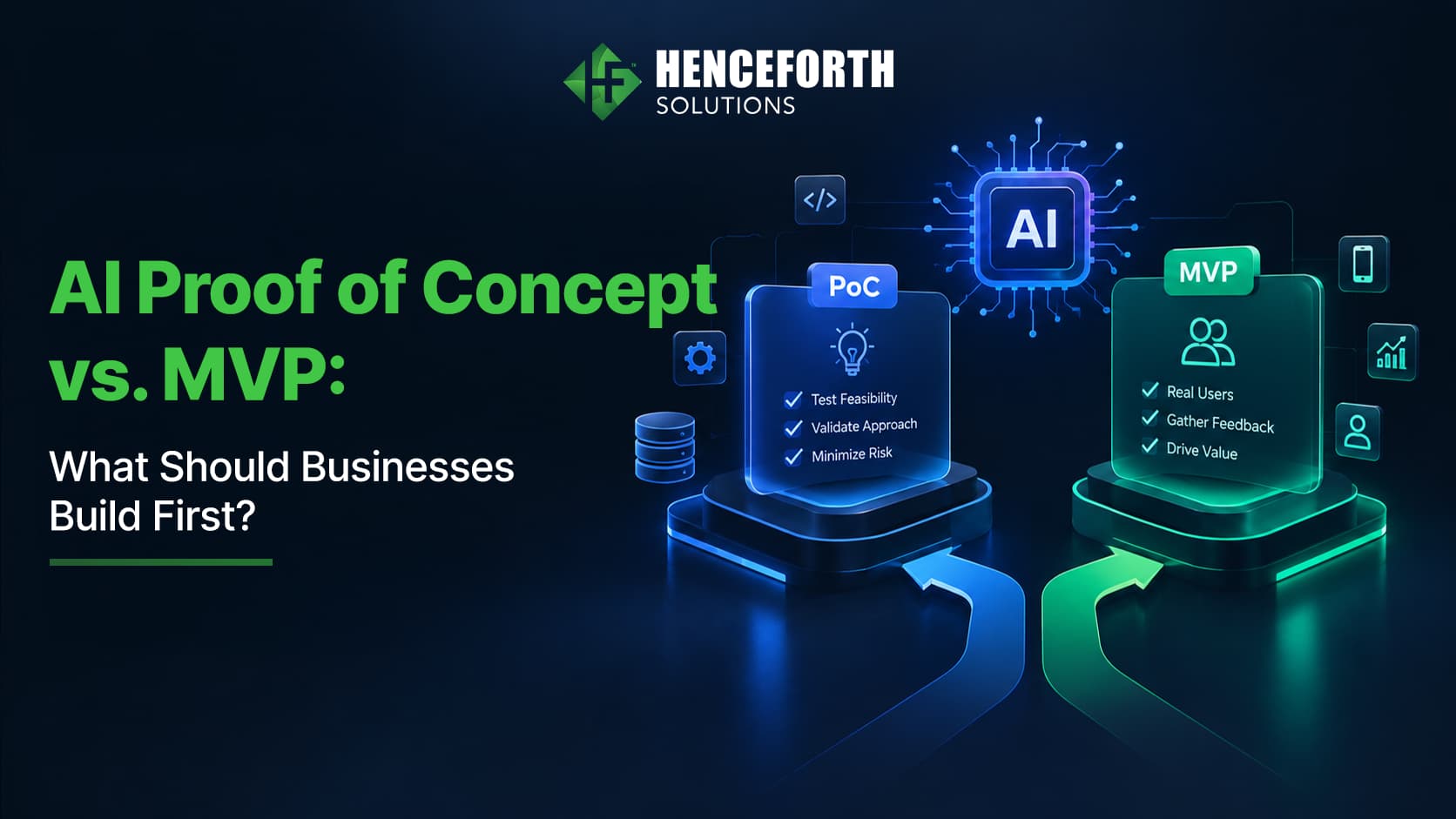
Before implementing AI across an organization, test the proposed solution through a Proof of Concept (PoC).
A PoC helps determine whether the selected AI technology can solve a specific problem.
For example, a business might connect an AI chatbot to a limited set of customer support documents.
Evaluate:
Output accuracy
Response time
Integration reliability
Data security
User experience
Operating costs
Testing helps businesses identify challenges before investing in full-scale deployment.
Step 6: Integrate AI Into Business Workflows
After validating the solution, connect AI capabilities to existing business processes.
This may involve API integration, database connections, authentication, interface development, and automation rules.
For example, an AI-powered CRM can analyze incoming leads, recommend priority levels, and suggest follow-up actions.
Sales teams can review these recommendations before making decisions.
Organizations can explore AI automation services to streamline repetitive workflows across applications.
Step 7: Test Security and Performance
AI integration introduces risks such as unauthorized data access, inaccurate responses, and unexpected system behavior.
Businesses should implement authentication, encryption, access controls, and performance monitoring.
The NIST AI Risk Management Framework provides guidance on managing AI-related risks.
The OWASP GenAI Security Project also offers guidance for identifying security vulnerabilities in AI applications.
Testing should cover accuracy, reliability, security, and unexpected inputs.
Step 8: Deploy and Monitor Performance
AI integration requires continuous monitoring after deployment.
Important performance indicators include:
Task completion rates
AI response accuracy
Processing time
Customer satisfaction
Operating expenses
System availability
Regular monitoring helps organizations improve performance and maintain reliable AI-powered workflows.
Real-World Applications of AI Integration
AI integration supports different business functions and industries.
CRM and Sales
AI can analyze customer interactions, support lead scoring, and identify potential sales opportunities.
ERP and Inventory Management
Machine learning can improve demand forecasting, stock planning, and operational analysis.
E-commerce
AI-powered recommendations and intelligent search help customers discover relevant products.
Accounting and Finance
AI can support invoice processing, transaction categorization, and anomaly detection.
Customer Support
Intelligent chatbots and automated ticket classification can improve response efficiency.
Each implementation should align with business objectives and available data.
Common Challenges in AI Software Integration
Despite its advantages, enterprise AI integration may involve technical and operational challenges.
Legacy Software Compatibility
Older applications may lack modern APIs or flexible architectures.
Solution: Use middleware, integration layers, or selective modernization.
Poor Data Quality
Incomplete or inconsistent information can affect AI performance.
Solution: Establish data validation and governance processes.
Data Privacy and Security
AI applications may process confidential business or customer information.
Solution: Implement encryption, secure authentication, access restrictions, and compliance controls.
Employee Adoption
Employees may be unfamiliar with AI-powered tools.
Solution: Provide training, clear guidelines, and practical demonstrations.
Implementation Costs
AI integration involves development, infrastructure, API usage, and maintenance expenses.
Solution: Begin with a focused use case and evaluate long-term value.
How Much Does AI Integration Cost?
The cost of AI integration depends on software complexity, integration requirements, and selected AI technologies.
A simple API connection may require less development effort than a customized enterprise AI system.
Major cost factors include:
Software architecture: Compatibility of existing applications.
AI technology: Hosted APIs, custom models, or self-hosted solutions.
Data preparation: Cleaning and organizing business information.
Security: Privacy, authentication, and compliance requirements.
Maintenance: Monitoring, infrastructure, and updates.
Businesses should conduct a technical assessment before finalizing their AI integration budget.
Best Practices for Successful AI Integration
To maximize the benefits of AI-powered business applications, organizations should:
Start small: Focus on one measurable business problem.
Maintain data quality: Use accurate and properly managed information.
Choose scalable solutions: Support future business requirements.
Prioritize security: Protect sensitive business data.
Maintain human oversight: Review AI-generated recommendations.
Monitor performance: Track accuracy, efficiency, and business outcomes.
Following these practices helps businesses implement AI more effectively while managing technical risks.
Why Choose Henceforth Solutions for AI Integration?
Successful AI integration requires expertise in software engineering, artificial intelligence, data management, and application architecture.
At Henceforth Solutions, we help businesses explore opportunities to introduce intelligent capabilities into existing software systems.
Our approach focuses on understanding business requirements, assessing current applications, selecting suitable AI technologies, and developing scalable integration strategies.
Whether your organization wants to automate workflows, enhance customer support, or introduce predictive analytics, our team can help evaluate practical solutions.
Conclusion
AI integration enables businesses to enhance existing applications without necessarily replacing their entire software infrastructure.
From automating repetitive tasks to improving customer experiences and business decisions, AI can extend the capabilities of established systems.
However, successful implementation requires clear objectives, quality data, compatible architecture, appropriate security controls, and continuous monitoring.
Businesses that begin with focused use cases can evaluate AI's value while reducing implementation risks.
Planning to add AI to existing business software? Contact Henceforth Solutions to discuss your requirements and explore suitable integration approaches.