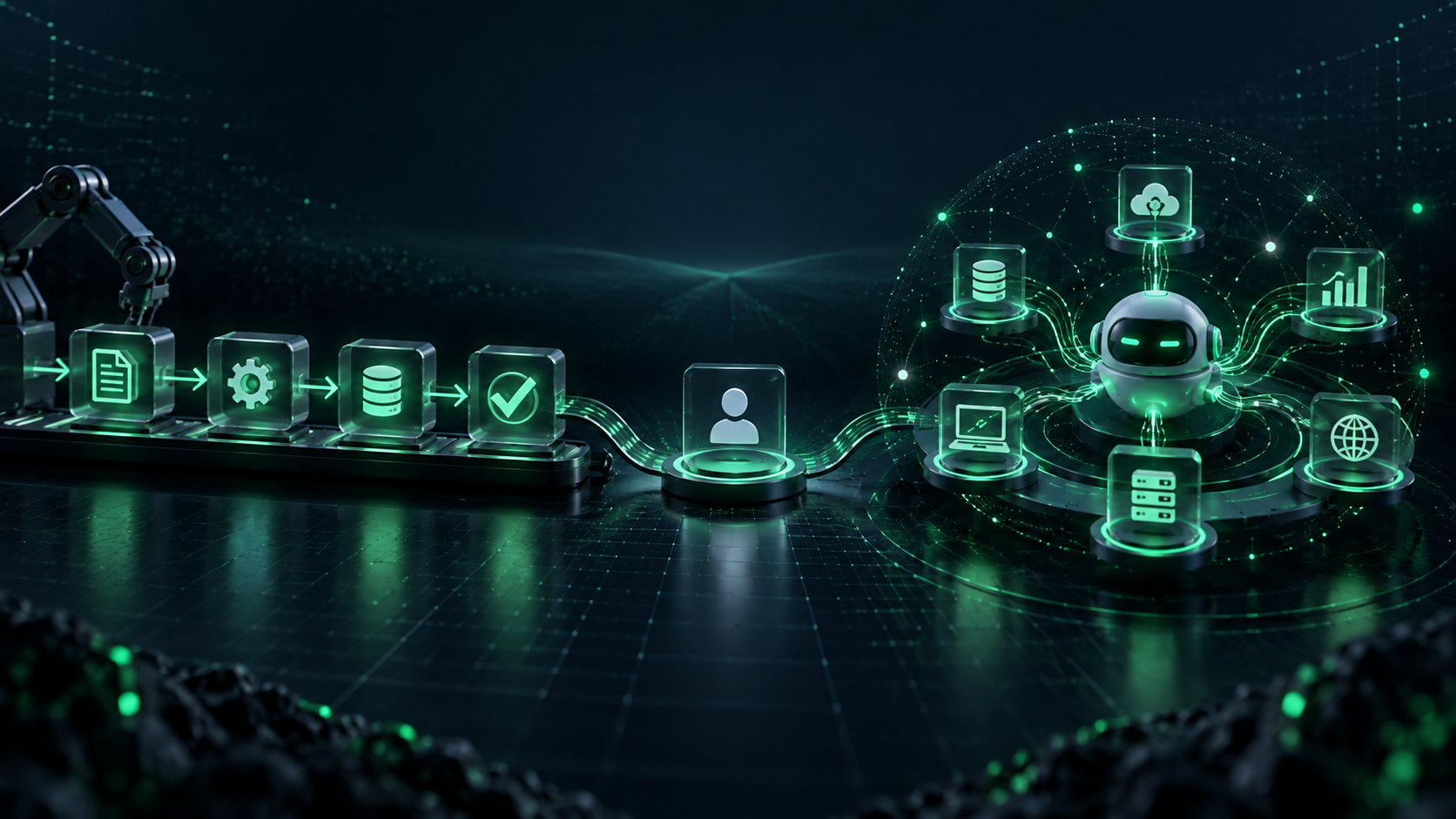
AI Integration in Business Apps: Use Cases, Process and Cost Factors

Most businesses do not need to replace their entire software stack to start using artificial intelligence.
They need to improve the systems their teams already use: CRM platforms, customer portals, mobile apps, dashboards, eCommerce stores, ERP systems, support tools, and internal workflows.
That is what AI integration in business apps is about.
When planned carefully, AI can help employees find information faster, automate repetitive tasks, route requests, summarise documents, identify patterns in data, personalise customer interactions, and support better decisions. However, adding an AI feature without clear business goals, reliable data, security controls, and human review can create more problems than value.
This guide explains where AI integration creates practical value, how the implementation process works, and which factors affect cost.
What Is AI Integration in Business Apps?
AI integration means connecting artificial intelligence capabilities with an existing or newly built business application.
The AI component may analyse data, understand language, make recommendations, classify information, generate summaries, identify unusual activity, or automate defined actions. The business app remains the place where employees or customers complete their work.
For example:
- A CRM can prioritise leads based on the information already available.
- A customer portal can answer common questions using approved company knowledge.
- An operations dashboard can highlight delayed orders or unusual patterns.
- An eCommerce app can improve product recommendations and search results.
- A finance workflow can extract data from invoices and send uncertain cases to a reviewer.
The goal is not to add AI because it is popular. The goal is to remove a specific business bottleneck while maintaining accuracy, privacy, and accountability.
Businesses that need support defining the right opportunity can start with AI consulting services before committing to development.
Where AI Integration Creates Value
The most valuable AI integrations are usually connected to high-volume, repetitive, or decision-heavy work.
1. Customer Support and Self-Service
AI can help a customer support app or website answer routine questions, retrieve information from approved documents, summarise conversations, and direct complex requests to the right team.
For example, a customer who asks about an order can receive account-specific information when the system has permission to access the relevant order data. If the request is unclear, sensitive, or outside the approved knowledge base, the system should escalate it to a human agent.
A chatbot is useful for structured conversation. An AI agent may be more suitable when the workflow needs to retrieve data, complete permitted actions, and follow rules across several systems. The right approach depends on the task, not the label.
2. Sales and CRM Workflows
Sales teams often spend time researching leads, updating notes, preparing follow-up messages, and moving information between tools.
AI integration can support this work by:
- Summarising sales calls and meeting notes
- Classifying incoming leads
- Highlighting missing lead information
- Suggesting next steps based on approved sales rules
- Preparing first-draft follow-up messages
- Updating CRM records after human review
The sales team should still own relationship-building, pricing discussions, and final communication. AI helps reduce admin work so the team can spend more time on real opportunities.
3. Document Processing
Many businesses receive invoices, forms, contracts, claims, applications, and reports in different formats. AI can extract selected fields, classify documents, flag missing information, and route files to the appropriate workflow.
A useful implementation includes confidence thresholds. High-confidence, low-risk extractions may move forward automatically. Low-confidence or sensitive items should go to an employee for review.
This is often one of the most practical uses of AI automation services because it removes repetitive manual data entry without removing human control.
4. Operations and Workflow Management

Operational teams need visibility into exceptions, delays, bottlenecks, and changing demand. AI can analyse activity across connected systems and help teams focus on what needs attention first.
Common examples include:
- Identifying orders that may miss delivery timelines
- Categorising support tickets by urgency
- Flagging duplicate or incomplete records
- Predicting stock requirements from historical data
- Routing internal requests to the correct department
- Summarising daily operational updates for managers
The system should explain why it flagged an item and allow employees to override it. A recommendation without context is difficult to trust or improve.
5. eCommerce Search and Personalisation
AI can improve product discovery by interpreting natural-language searches, suggesting relevant products, and helping customers find information faster.
For example, a shopper may search for “a waterproof travel bag for a laptop.” A traditional keyword search may miss useful products, while an AI-assisted search experience can consider product attributes, descriptions, and customer intent.
Personalisation should be based on appropriate consent, limited data access, and useful customer outcomes. It should not become intrusive or make unsupported assumptions about customers.
6. Reporting and Decision Support
Business reports often contain too much data and too little explanation. AI can help turn approved data into clearer summaries, identify trends, and prepare initial insights for managers.
This can be useful for sales reporting, support trends, campaign performance, inventory movement, and operational planning.
However, AI-generated insights must be validated before they shape important financial, legal, hiring, clinical, or compliance decisions. The business remains responsible for the decision.
AI Integration Use Cases by Industry
Fintech and Insurance
Financial products can use AI for document classification, customer support, fraud-review support, onboarding workflows, and internal reporting. Because these workflows may involve sensitive personal and financial data, clear access controls, audit logs, and human review are essential.
Healthcare
Healthcare organisations can use AI to support appointment workflows, administrative documentation, patient communication, and internal knowledge access. Clinical decisions and protected health information require stronger governance, privacy controls, and appropriate expert oversight.
Logistics and Transportation
AI can help logistics teams analyse delivery updates, identify exceptions, route internal requests, summarise driver or warehouse issues, and improve customer communication. It works best when connected to accurate operational data and clearly defined escalation rules.
eCommerce and Marketplaces
eCommerce businesses can integrate AI into product search, customer service, seller support, catalogue management, returns workflows, and reporting. The priority should be solving real customer friction, not adding features that create confusion.
Education
Education products can use AI to support content discovery, learner feedback, administrative workflows, and educator tools. Any feature involving children, learner records, or automated evaluation needs careful privacy and fairness review.
The AI Integration Process
A reliable AI integration project is not only a model or API connection. It is a product, data, workflow, security, and change-management project.
Step 1: Define the Business Problem
Start with one workflow that is currently slow, repetitive, error-prone, or difficult to scale.
Good questions to ask include:
- What task takes significant time every week?
- Who performs it today?
- What information is needed to complete it?
- What decision can be automated, assisted, or recommended?
- What should always require human approval?
- How will we measure success?
A clear use case is more valuable than a broad request to “add AI to our app.”
Step 2: Review Data and System Readiness
AI results depend on the quality, availability, and permissions of the information it uses.
The team should review:
- Data sources and ownership
- Accuracy and completeness of data
- CRM, ERP, helpdesk, app, or database integrations
- User permissions and access levels
- Privacy and retention requirements
- API availability and system limitations
If the data is scattered, outdated, or poorly controlled, solve that foundation first.
Step 3: Choose the Right AI Approach
Not every problem requires the same technology.
A business may need:
- Rule-based automation for predictable decisions
- Machine learning for classification or forecasting
- Generative AI for summarisation, knowledge search, or drafting
- Conversational AI for customer or employee support
- AI agents for controlled multi-step workflows
The decision should depend on the workflow, risk level, required accuracy, and cost of mistakes.
Step 4: Design Guardrails and Human Review

AI should have clear boundaries before it reaches customers or business-critical systems.
Guardrails may include:
- Approved knowledge sources
- Role-based access controls
- Restricted actions
- Confidence thresholds
- Human approval for sensitive actions
- Escalation paths
- Activity logs and audit trails
- Testing for inaccurate or unsafe outputs
The NIST AI Risk Management Framework is a useful reference for organisations that want to structure AI governance around trustworthy and responsible use.
Step 5: Build, Test and Pilot
A small pilot is usually safer than a company-wide launch.
Test the solution with real business scenarios, including unusual cases, incomplete information, permission restrictions, and failed integrations. Involve the people who will use the tool daily. Their feedback often reveals gaps that are not visible in a technical demo.
Step 6: Monitor and Improve
AI integration is not a one-time deployment.
Teams should monitor accuracy, user adoption, exceptions, response quality, security events, workflow completion, and business outcomes. Review the results regularly and refine prompts, rules, knowledge sources, integrations, and approval steps.
For teams building AI into the broader product lifecycle, read our guide on how AI is changing software development.
What Affects the Cost of AI Integration?
There is no single fixed price for AI integration in business apps. The cost depends on the scope, systems involved, data readiness, risk level, and amount of custom development required.
The main cost factors include:
Existing System Complexity
Connecting AI to a modern app with well-documented APIs is usually simpler than integrating it with multiple legacy systems, spreadsheets, and disconnected databases.
Type of AI Capability
A basic internal knowledge assistant has a different scope from a custom predictive model, multilingual customer assistant, or an AI agent that completes controlled actions across several systems.
Data Preparation
Data cleaning, structuring, access control, and knowledge-base preparation can be a major part of the project. This work is necessary for reliable outputs.
Security and Compliance Requirements
Businesses handling customer data, financial records, health information, or regulated workflows may need stronger authentication, logging, encryption, privacy review, and approval controls.
User Experience and Adoption
The AI feature must fit naturally into the existing app. Employees and customers need clear explanations, simple handoff options, and a way to report incorrect results.
Ongoing Monitoring
The budget should include maintenance, monitoring, model or prompt updates, API usage, security checks, and improvement after launch.
A discovery phase helps define the right scope before development begins. Henceforth’s AI integration services are designed to help businesses connect practical AI capabilities with their existing software, workflows, and business goals.
Common AI Integration Mistakes to Avoid
Businesses can reduce risk by avoiding a few common mistakes:
- Starting with a tool instead of a business problem
- Giving AI access to more data than it needs
- Assuming generated outputs are always accurate
- Allowing high-impact actions without human approval
- Launching without real-world testing
- Ignoring employee adoption and workflow changes
- Treating security and governance as a later phase
- Measuring only speed instead of quality and business value
A strong implementation is useful, controlled, measurable, and easy for people to understand.
Is AI Integration Right for Your Business?
AI integration is worth exploring when your business has repetitive workflows, growing data volumes, slow manual processes, frequent support requests, disconnected systems, or a need for faster insights.
Start with one defined use case, prove value through a pilot, and expand only when the solution is reliable.
Henceforth Solutions helps businesses plan, build, and improve practical AI-enabled applications and workflows. If you are evaluating an AI opportunity, explore our AI integration services or speak with our AI consulting team to define the right approach.
Frequently Asked Questions
What is AI integration in business applications?
AI integration in business applications means connecting AI capabilities, such as automation, language understanding, recommendations, or data analysis, with existing software and workflows.
Which business systems can use AI integration?
AI can be integrated with CRM systems, ERP platforms, customer portals, helpdesk tools, eCommerce stores, mobile apps, internal dashboards, document workflows, and analytics platforms.
How long does AI integration take?
A simple pilot may take a few weeks, while a complex integration involving multiple systems, custom data preparation, security reviews, and workflow changes can take several months.
Is AI integration secure?
It can be secure when businesses use appropriate access controls, data minimisation, encryption, testing, audit logs, and human approval for sensitive actions. Security requirements should be defined before implementation.
Should every business process be automated with AI?
No. AI is best used where it improves a clear workflow without creating unacceptable risk. Sensitive, high-impact, or unclear decisions should remain under human control.