

AI Agents vs AI Automation: A Practical Guide for Business Workflows
AI is becoming part of everyday business operations. Teams are using it to reduce repetitive work, improve customer support, organize data, and make information easier to access.
However, one question is often overlooked: Does the business need AI automation, an AI agent, or both?
These terms are sometimes used interchangeably, but they solve different problems.
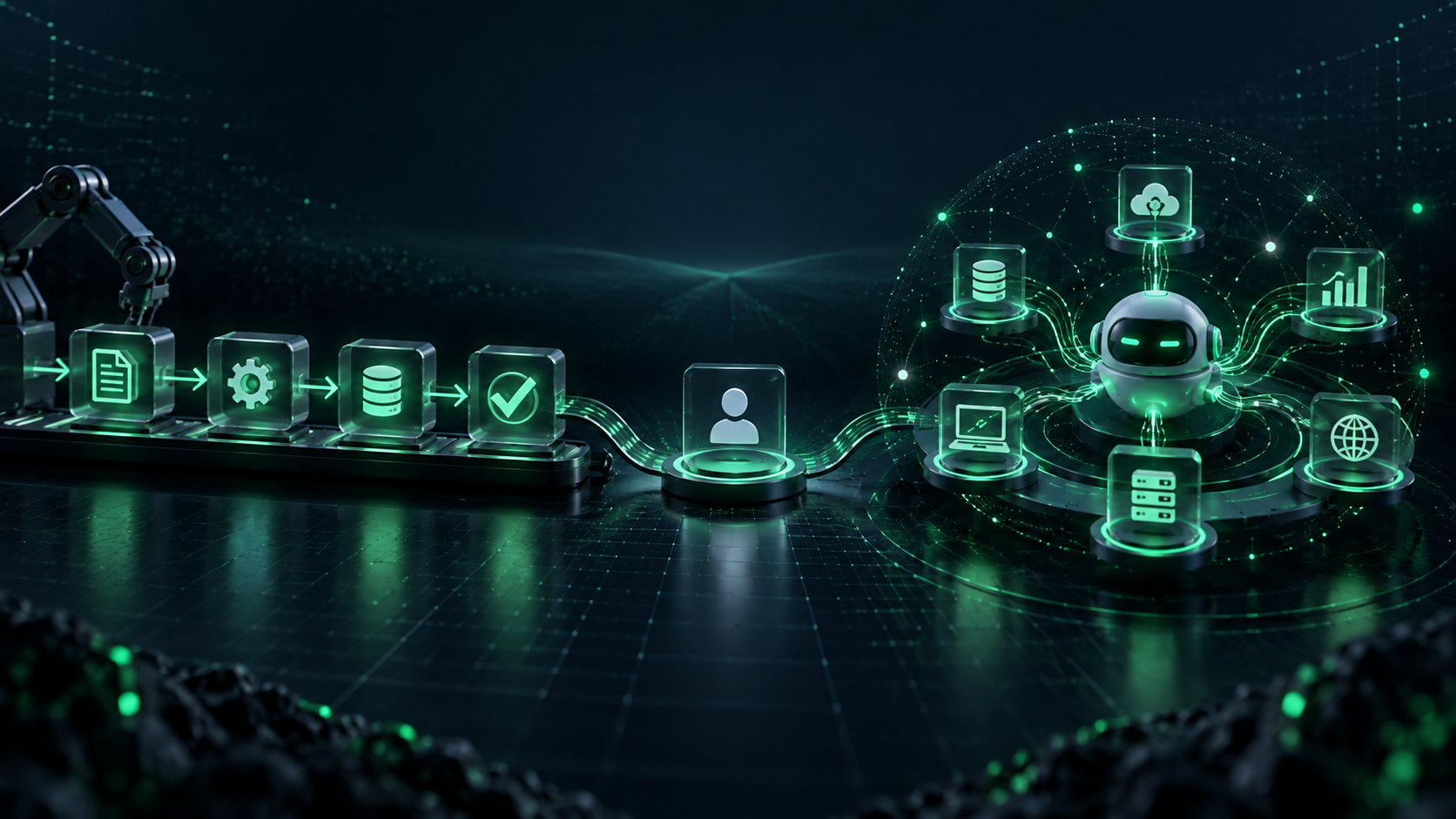
A structured automation can remove manual work from a predictable process. An AI agent can support more variable work by using approved information, tools, and instructions to help people complete multi-step tasks.
Choosing the right starting point matters. An unnecessarily complex AI project can be difficult to test, govern, and scale. A focused solution that addresses one real workflow is usually more useful than an ambitious system with no clear business outcome.
This guide explains the difference between AI agents and AI automation, how to assess your business readiness, and how to launch a controlled pilot.
Editorial note: This article is an educational guide. It does not provide legal, financial, compliance, or cybersecurity advice. Every AI implementation should be assessed according to the organisation’s data, systems, industry requirements, and risk profile.
Who Is This Guide For?
This guide is designed for business owners, operations teams, product leaders, and decision-makers who want to:
- Reduce repetitive manual work
- Improve response times and operational efficiency
- Connect AI with existing software
- Understand whether an AI agent is necessary
- Start an AI project with clear controls and measurable goals
The comparison is based on three practical questions:
- Is the workflow predictable or variable?
- Does the task require context from several systems?
- Can the business review, measure, and control the result?
What Is AI Automation?
AI automation combines AI capabilities with workflows, rules, and software integrations to complete repetitive tasks with less manual effort.
It is most useful when a process has a defined trigger, expected inputs, and a predictable outcome.
For example, AI automation can help businesses:
- Categorize and route customer inquiries
- Extract information from invoices, forms, or documents
- Summarize meeting notes and create follow-up tasks
- Update CRM records from form submissions or emails
- Classify leads using approved criteria
- Create scheduled reports from operational data
The workflow remains structured. AI may classify, extract, summarize, or recommend information, but the overall process follows defined steps.
For businesses that want to improve repeatable workflows, AI automation services can be a practical first step.
What Is an AI Agent?
An AI agent is designed to work toward a defined goal using approved context, tools, and instructions.
Unlike a fixed automation, an agent can assess the information available to it and choose the next appropriate action within the limits set by the business.
For example, an AI agent may:
- Review a customer request, check account history, search approved policy documents, and prepare a response for human review
- Gather CRM, product, and meeting information to create a sales-account brief
- Analyze a support issue, identify missing information, and suggest the next escalation step
- Help an operations team investigate exceptions across inventory, delivery, or supplier systems
An agent should not operate without safeguards. Responsible implementation requires defined permissions, action logs, clear fallback paths, human approval for higher-impact actions, and ongoing testing.
When your workflow needs context across multiple systems, AI agent development may be the better fit.
AI Agents vs AI Automation: Key Differences
| Decision factor | AI Automation | AI Agent |
|---|---|---|
| Workflow type | Defined and repeatable | Variable or multi-step |
| Main role | Completes configured tasks | Supports goal-based work within approved boundaries |
| Decision-making | Rules and predefined logic | Uses context to select the next approved action |
| System access | Usually limited to selected tools | Can work across multiple approved systems |
| Best use case | High-volume operational tasks | Research, analysis, and complex task coordination |
| Human review | Reviews exceptions | Approves sensitive or high-impact actions |
The difference is not about which technology is “better.” It is about choosing the right level of intelligence and control for the problem.
When Should You Start With AI Automation?
AI automation is usually the right starting point when your team already understands the process but spends too much time completing it manually.
Start with AI automation when:
- The same task happens frequently
- The workflow has documented steps
- Inputs and outputs are reasonably predictable
- Errors can be reviewed or reversed easily
- Success can be measured clearly
Illustrative example: Lead routing
A business receives leads from a website, ads, LinkedIn, and referrals. Instead of manually reading every inquiry, automation can identify the source, classify the request, enrich the CRM record with approved data, and assign it to the right sales team.
The sales team still manages the relationship. The automation reduces repetitive administration.
Illustrative example: Document processing
A finance or operations team receives invoices and forms in different formats. Automation can extract standard fields, flag missing details, and send the record for human approval before it enters the business system.
This is often a clearer starting point than building an AI agent for an entire finance process.
When Does an AI Agent Make More Sense?
AI agents become more valuable when a workflow cannot be reduced to a fixed sequence of actions.
Consider an AI agent when:
- The next action depends on the context of the request
- Information is spread across several approved systems
- Employees need research, summaries, or recommendations
- The workflow changes often
- People need support completing a task, rather than only triggering one
Illustrative example: Customer-support assistance
A support team may already use automation to route tickets. An AI agent can add another layer of support by reviewing account history, checking the approved knowledge base, identifying missing details, and drafting a response for a customer-support executive to review.
If your main requirement is handling customer conversations, a custom AI chatbot may be more suitable. If the requirement is completing guided work across business systems, an AI agent may be more appropriate.
AI Integration Comes Before Scale
AI systems are only useful when they have access to reliable information and approved tools.
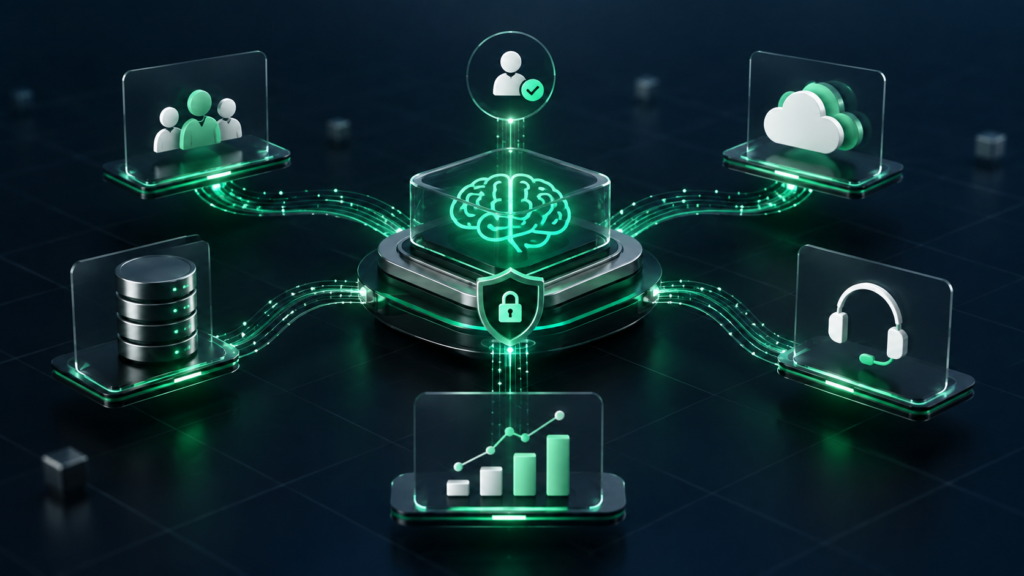
Before launching an AI automation or agent, review:
- The software systems involved
- Data quality and ownership
- API availability
- User permissions and access controls
- Existing approval processes
- Logging and monitoring requirements
For example, an AI agent cannot provide dependable support recommendations if it has access to outdated policies, incomplete customer data, or conflicting product information.
This is why AI integration services are important. Integration is not simply about connecting one platform to another. It is about creating dependable data flows, appropriate permissions, and business logic that support real operations.
Google’s Rules of Machine Learning also emphasize testing infrastructure and data flows independently from the model. The same principle applies to business AI: validate the inputs, integrations, and fallback processes before expecting reliable outputs.
Security, Privacy, and Human Approval
Security and governance should be considered before a pilot is launched, not after it creates a problem.
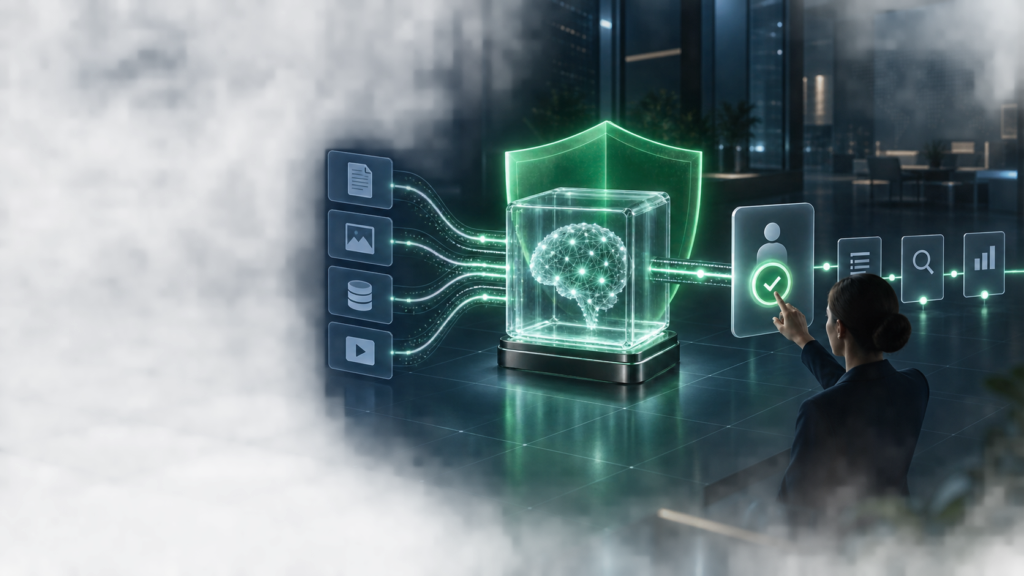
Before implementation, define:
- What data the AI system can access
- What actions it can take
- Which actions need human approval
- How prompts, outputs, and actions are logged
- What happens when the system is uncertain
- How sensitive information is protected
- How users can report incorrect or unsafe outputs
The NIST Generative AI Risk Management Framework offers guidance for managing AI-related risks across the lifecycle.
Teams working with language models should also understand threats such as prompt injection, sensitive-information disclosure, and excessive permissions. The OWASP GenAI LLM Top 10 is a useful reference for planning safeguards.
A Five-Step Framework for Choosing the Right Starting Point
1. Define one real business problem
Do not start with, “We need AI.” Start with one specific issue, such as slow lead qualification, repetitive document processing, delayed customer responses, or difficulty finding internal information.
2. Decide whether the workflow is predictable
If the process follows the same steps most of the time, automation may be enough.
If the process requires analysing context, retrieving information from multiple systems, and selecting the next action, an AI agent may be more suitable.
3. Define the approval level
Decide which actions can happen automatically and which need human review.
For example, an automation may update a CRM field automatically. An AI agent should not approve refunds, change financial data, or send sensitive communications without appropriate permissions and review.
4. Set measurable success criteria
Choose a measurable outcome before development begins. This may include:
- Reduced manual processing time
- Faster first-response time
- Fewer data-entry errors
- Better lead qualification
- Faster access to accurate business information
- Improved internal adoption of the workflow
Measure whether the process actually improves. Do not rely only on activity metrics, such as the number of tasks completed.
5. Run a controlled pilot
Start with a limited workflow, a defined user group, and clear review points. Evaluate accuracy, usability, security, and operational impact before scaling the solution.
For guidance on use-case selection, data readiness, and a practical rollout plan, explore AI consulting.
AI Automation and AI Agents Can Work Together
AI automation and AI agents are not competing technologies. In many cases, they work best together.
For example:
- Automation captures and categorizes incoming leads.
- An AI agent prepares account context and suggests follow-up actions.
- A sales manager reviews the recommendation before outreach.
This approach keeps predictable work efficient while giving teams better support for complex tasks.
Businesses can also explore AI services and solutions to identify the right combination of automation, AI agents, integrations, and custom development.
Final Takeaway
Choose AI automation when the work is structured, repetitive, and easy to measure.
Choose an AI agent when the work requires context, approved access to multiple systems, and guided decision support.
In both cases, start with a defined business problem, prepare the right data and integrations, keep people involved where risk is higher, and measure the result before scaling.
The best AI project is not the most complex one. It is the one that solves a real operational problem in a reliable, secure, and measurable way.
Frequently Asked Questions
What is the main difference between AI automation and an AI agent?
AI automation follows defined rules to complete repeatable tasks, such as routing enquiries or updating records. An AI agent can use approved context and tools to support more variable, multi-step work where the next action depends on the situation.
Should a small business start with AI automation or an AI agent?
Most small businesses should start with AI automation when they have repetitive tasks, clear processes, and measurable goals. An AI agent is more suitable when work requires information from multiple systems, research, or context-aware assistance.
Can an AI agent replace employees?
AI agents are best used to support employees, not to remove accountability. They can help with research, summaries, task preparation, and approved actions, while people remain responsible for important decisions, customer relationships, and sensitive work.
What systems can be connected to an AI solution?
Depending on the project, AI can connect with CRMs, ERPs, support tools, knowledge bases, e-commerce platforms, analytics dashboards, internal databases, and approved third-party APIs.
How can a business launch AI safely?
Start with one defined workflow, limit system permissions, protect sensitive data, add human approval for important actions, test the solution with a small group, and measure outcomes before scaling it across the business.