AI Agent vs Chatbot: Which Is Right for Your Business?

Businesses increasingly want to improve customer service, capture more leads, reduce manual work, and make internal information easier to access.
A chatbot and an AI agent can both help, but they are not the same solution.
A chatbot is usually designed to have conversations, answer questions, and guide users. An AI agent can also communicate, but it may retrieve data, use connected tools, and complete approved actions across a workflow.
The right choice depends on the problem you need to solve, the systems involved, the level of risk, and the outcome you want to measure.
AI Agent vs Chatbot: The Main Difference
A chatbot mainly provides information through a conversation.
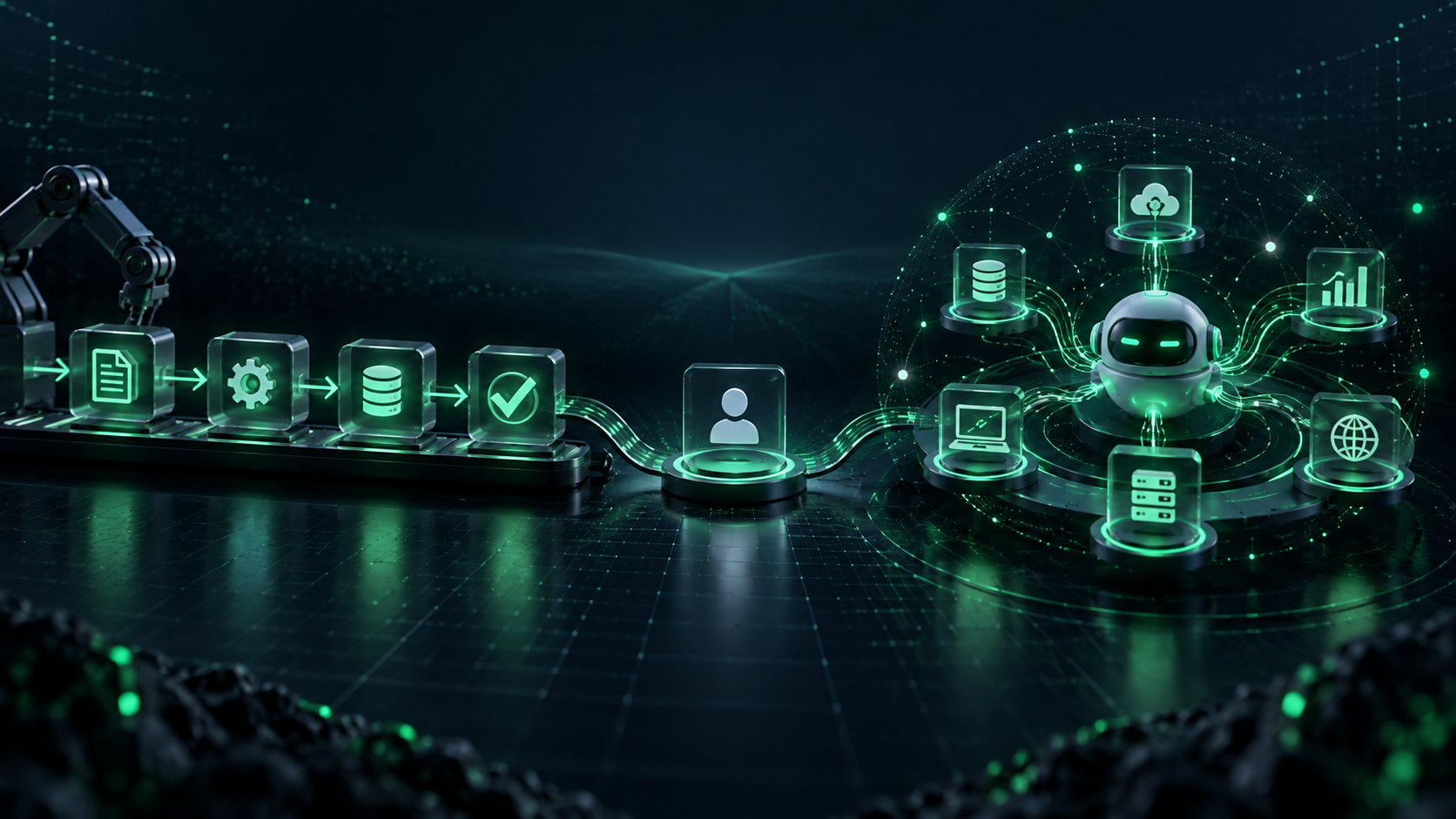
An AI agent works toward a defined goal. It can use approved business systems, follow rules, complete multi-step tasks, and escalate issues to people when required.
For example:
- A chatbot can answer, “Our returns policy allows returns within 30 days.”
- An AI agent can check a customer’s order, confirm eligibility, start a return request, create a support ticket, and send the case for approval if an exception is needed.
The difference is not simply intelligence. It is the level of access, action, and responsibility.
What Is an AI Chatbot?

An AI chatbot is a conversational tool that helps users find information or complete basic guided tasks.
It can be used on a website, mobile app, customer portal, WhatsApp channel, or internal employee platform.
A chatbot works well for:
- Frequently asked questions
- Website lead capture
- Product or service information
- Appointment enquiries
- Policy and knowledge-base search
- Basic support triage
- Routing users to the correct department
For example, a services business can use a chatbot to ask what service a visitor needs, collect contact details, and pass the enquiry to the sales team.
Learn more about AI chatbot development for customer-facing and internal conversational experiences.
What Is an AI Agent?

An AI agent is designed to complete a controlled workflow, not just answer a question.
It may use natural-language understanding to interpret the request, but it also connects with approved systems such as a CRM, helpdesk, order-management platform, document repository, or internal dashboard.
An AI agent can help with:
- Checking customer order status
- Updating CRM records
- Creating and routing support tickets
- Preparing account summaries
- Processing documents
- Assigning operational tasks
- Searching approved internal knowledge
- Preparing reports for business teams
Businesses should define exactly what the agent can do, what it cannot do, and when a person must take over.
For tailored workflow solutions, explore AI agent development services.
AI Agent vs Chatbot: Comparison
| Area | AI Chatbot | AI Agent |
|---|---|---|
| Primary role | Answer questions and guide users | Complete controlled tasks toward a goal |
| Data access | Usually a knowledge base or basic form | Can connect to approved business systems |
| Action level | Answers, captures information, routes requests | Retrieves data, updates records, creates tasks, and triggers workflows |
| Best for | Simple conversations and self-service | Multi-step workflows across systems |
| Setup complexity | Usually lower | Requires integrations, testing, and governance |
| Human oversight | Needed for complex cases | Essential for exceptions and sensitive actions |
When a Chatbot Is the Better Choice
A chatbot is often the right starting point when the business needs faster communication but does not need to change internal systems.
Choose a chatbot when you want to:
Answer common customer questions
If customers regularly ask about services, business hours, availability, policies, delivery, or basic product details, a chatbot can provide immediate and consistent answers.
Improve lead capture
A chatbot can collect key details from a website visitor and route the lead to the appropriate sales representative.
For more ideas, read our article on how AI-powered chatbots boost lead generation and customer engagement.
Support employee self-service
Employees can use a chatbot to find policy information, onboarding guidance, and answers from an approved internal knowledge base.
When an AI Agent Is the Better Choice
An AI agent becomes useful when a business needs to do more than answer questions.
Choose an agent when employees repeatedly move information between systems, search across several tools, create the same tasks, or follow the same operational steps.
Customer support with actions
An agent can check order data, identify an exception, create a ticket, and pass the case to a human if the decision falls outside approved rules.
Sales and CRM workflow support
An agent can qualify an enquiry, create a CRM record, summarise account history, and assign the opportunity to the correct team member.
Operations and document handling
An agent can check whether a request is complete, extract information from documents, send reminders, and route work for approval.
Our guide to AI agent use cases for business covers 12 workflows that businesses can assess.
Can a Chatbot and AI Agent Work Together?
Yes. For many businesses, the best solution combines both.
The chatbot acts as the customer or employee-facing conversation layer. The AI agent works in the background to complete approved actions.
For example:
- A customer asks about an order.
- The chatbot collects the order number.
- The agent checks the order-management system.
- The chatbot gives the customer the approved update.
- If there is a delivery issue, the agent creates a support ticket and alerts the relevant team.
This keeps the experience easy for the user while reducing manual work for the business.
AI Agent vs Automation
AI agents and traditional automation are also different.
Traditional automation follows fixed instructions. It is useful when a workflow always has the same steps.
An AI agent is useful when the workflow requires language understanding, information retrieval, classification, or decisions within guardrails.
For example, “send an email after a form is submitted” is conventional automation. “Read the enquiry, identify the service needed, check account information, and route it to the correct team” is more suitable for an AI agent.
Explore AI automation services if your business has predictable, rules-based work that does not need an autonomous decision layer.
Security, Data, and Human Oversight
Giving an AI agent access to business systems requires careful planning.
Businesses should apply:
- Role-based access controls
- Least-privilege permissions
- Approved data sources
- Logging for important actions
- Testing for incorrect or incomplete requests
- Human review for sensitive actions
- Clear ownership after launch
The OWASP Top 10 for LLM Applications provides useful guidance on threats such as prompt injection, insecure output handling, and sensitive-information disclosure.
When an agent connects to CRM, ERP, support, or internal systems, AI integration services can help establish secure, reliable connections.
How to Choose the Right Solution
Ask these five questions:
- Do users mainly need answers, or do they need the system to take action?
- Does the workflow require access to CRM, orders, documents, or internal platforms?
- Is the work repetitive and measurable?
- What decisions require human approval?
- Is the existing data accurate, secure, and ready to use?
Choose a chatbot if the priority is communication and self-service.
Choose an AI agent if the priority is completing controlled business workflows.
Choose a combined solution if users need a simple conversation interface and the business needs secure back-end actions.
Plan Before You Build
The technology should follow the business problem, not the other way around.
A discovery process can identify the right workflow, assess data readiness, define integrations, and set clear success measures before development begins. AI consulting services can help businesses evaluate the right path.
For a wider view of how AI supports planning, coding, testing, deployment, and product improvement, read our article on AI software development.
Build the Right AI Experience for Your Business
A chatbot can improve how customers and employees get information. An AI agent can help businesses complete repeatable work across connected systems.
The best choice is the one that solves a clear problem, respects data and security boundaries, and keeps people responsible for important decisions.
Henceforth Solutions helps businesses build conversational AI, custom AI agents, workflow automation, and secure integrations. Explore AI agent development to plan the right solution for your business.
Frequently Asked Questions
Is an AI agent the same as a chatbot?
No. A chatbot mainly communicates with users. An AI agent can also retrieve information from business systems and complete approved actions in a workflow.
Should a small business use a chatbot or an AI agent?
A chatbot is usually a practical first step for common customer questions, website enquiries, and lead capture. An AI agent is more appropriate when the business needs workflow support across systems.
Can a chatbot become an AI agent?
Yes. A chatbot can act as the conversation layer while an AI agent completes controlled back-end tasks, such as checking an order, creating a ticket, or updating a CRM.
Are AI agents secure?
AI agents can be developed securely when teams limit permissions, protect sensitive data, test outputs, monitor actions, and require human approval for high-impact decisions.
How do I choose an AI agent development company?
Choose a company that first understands your workflow, users, data, integrations, and risks. For further evaluation criteria, read Choosing the Right AI Agent Development Service.